
Videos, posts and carousels
One hook in.
Five videos out.
Type a hook, and RapidCreate writes, cuts, captions and brands up to five vertical videos. Give it a topic, and it makes a carousel or a single post in one of 42 templates.
Your first five videos and your first post are free. Only new videos and posts use credits. Edits and re-renders are free, forever.
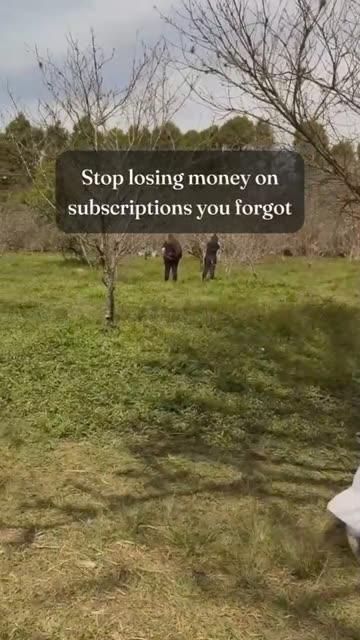
Stop losing money on subscriptions you forgot.




How it works
From one line to finished videos and posts.
Set up your brand once. After that, one line is all it takes.
Your brand
Your brand
Set it up once. Paste your website or store link and RapidCreate drafts your brand: the name, colours and fonts, and your tone of voice when you ask. Add your logo and photos once; every video and post uses them.
Your idea
Your idea
Type one line. For videos, it’s the hook, the first thing your viewer sees: choose up to five videos and how long each runs. For a post, it’s the topic: pick a post type and a template.
Your content
Your content
Get it back finished. Each video comes with its own script, footage, captions and end screen, in the style you picked. Each post comes laid out slide by slide, in your brand. Swap a shot, change the style or re-render as often as you like, free.
Maison Bold Pop 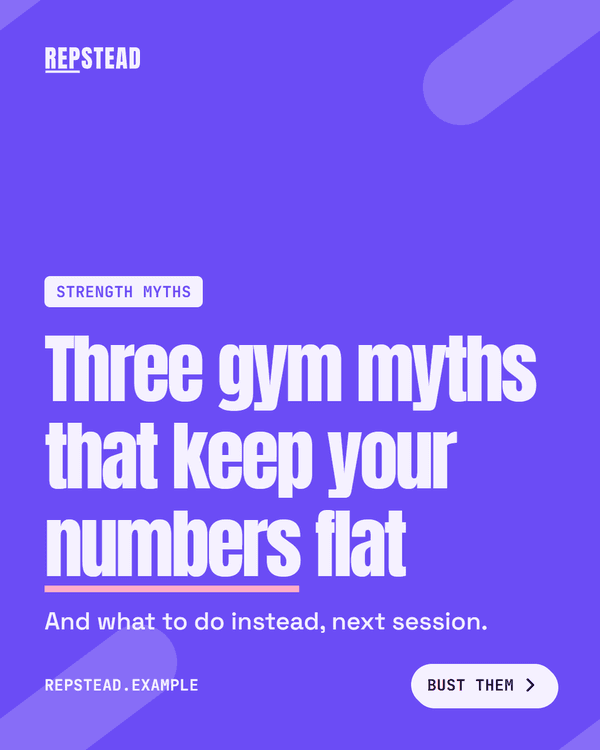
Carousel
Videos
Finished videos, and full control when you want it.
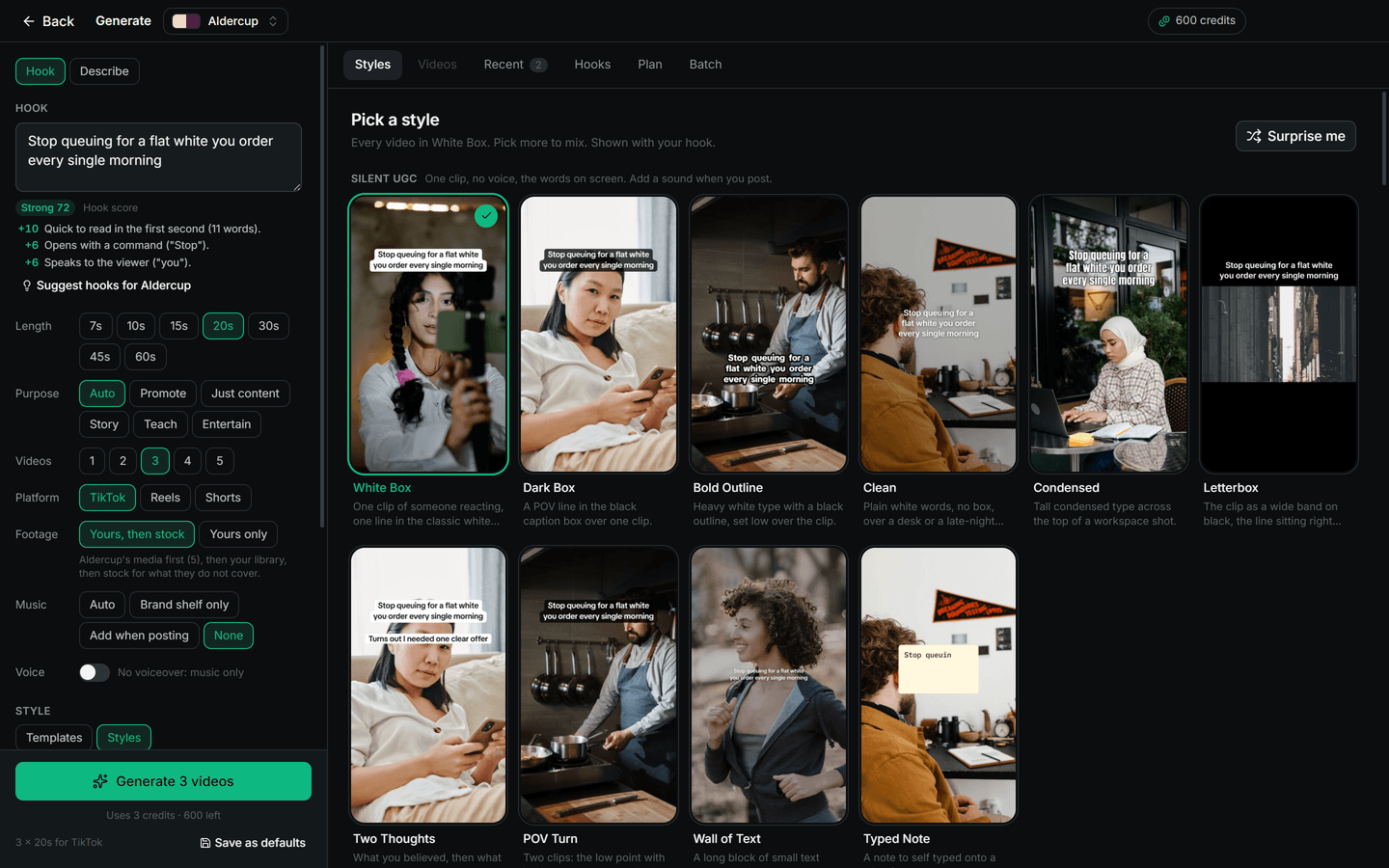
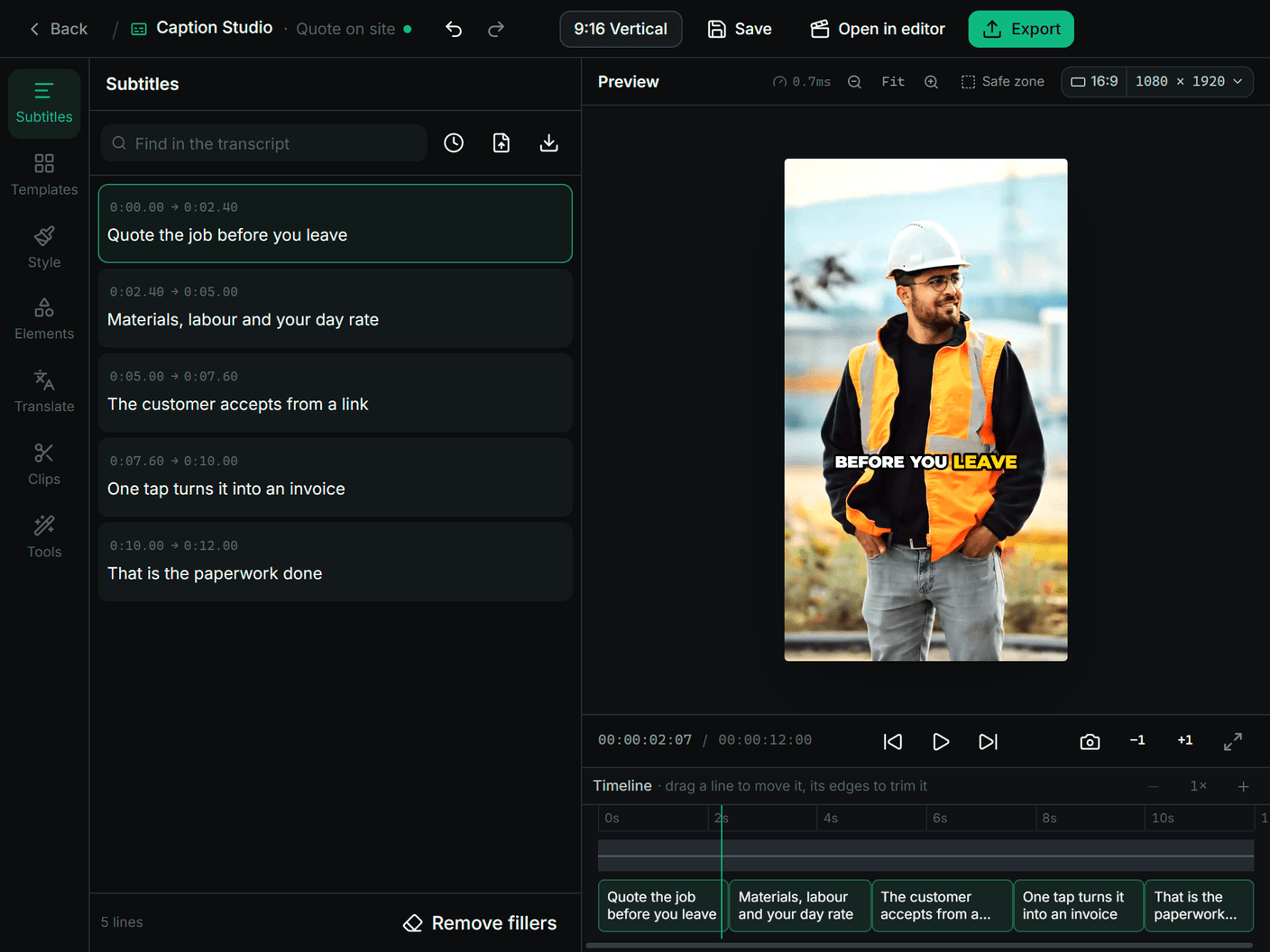
Generate makes faceless short-form videos for TikTok, Reels and Shorts from one hook: script, footage, captions and music. The Caption Studio and the video editor take any video, yours or RapidCreate’s, as far as you like.
Generate
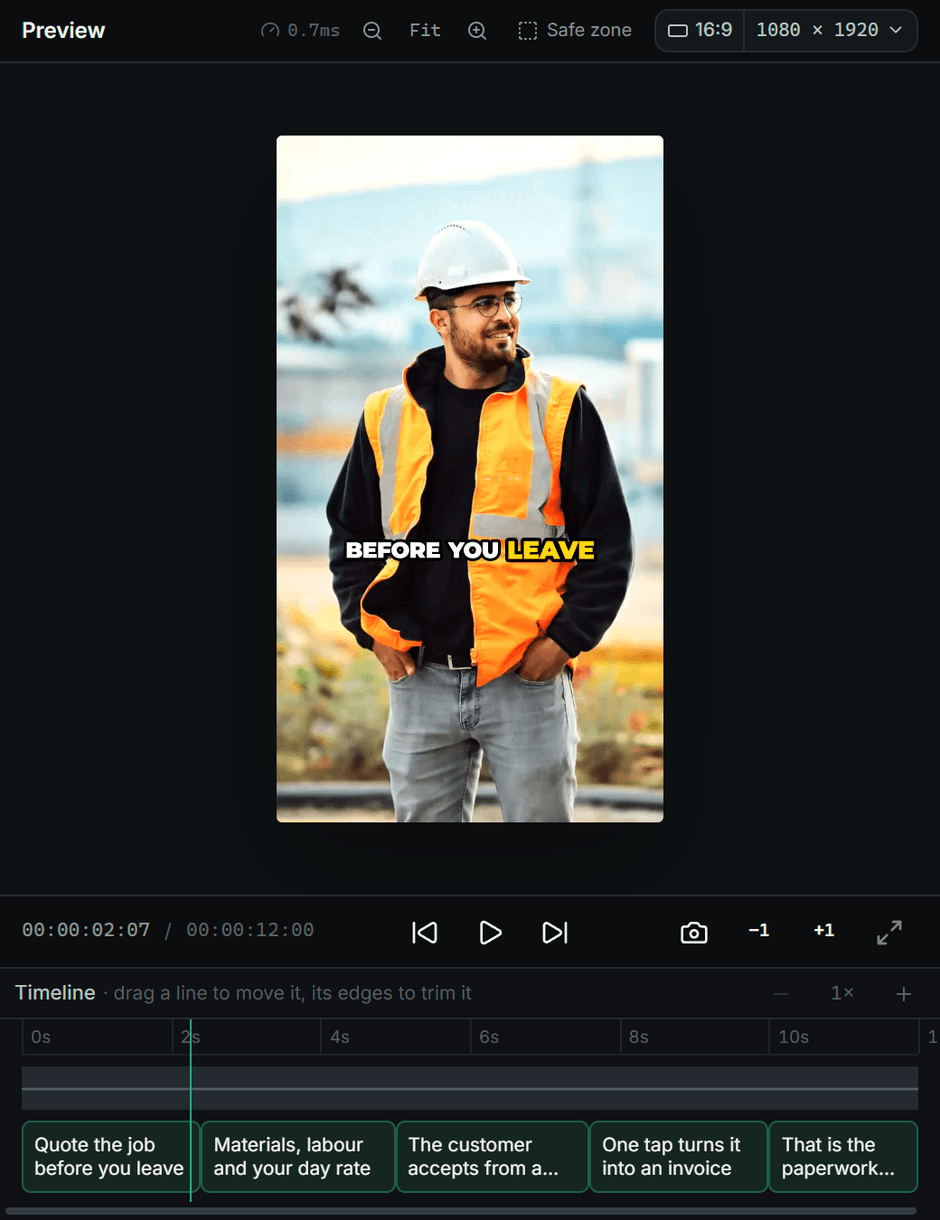
Caption Studio
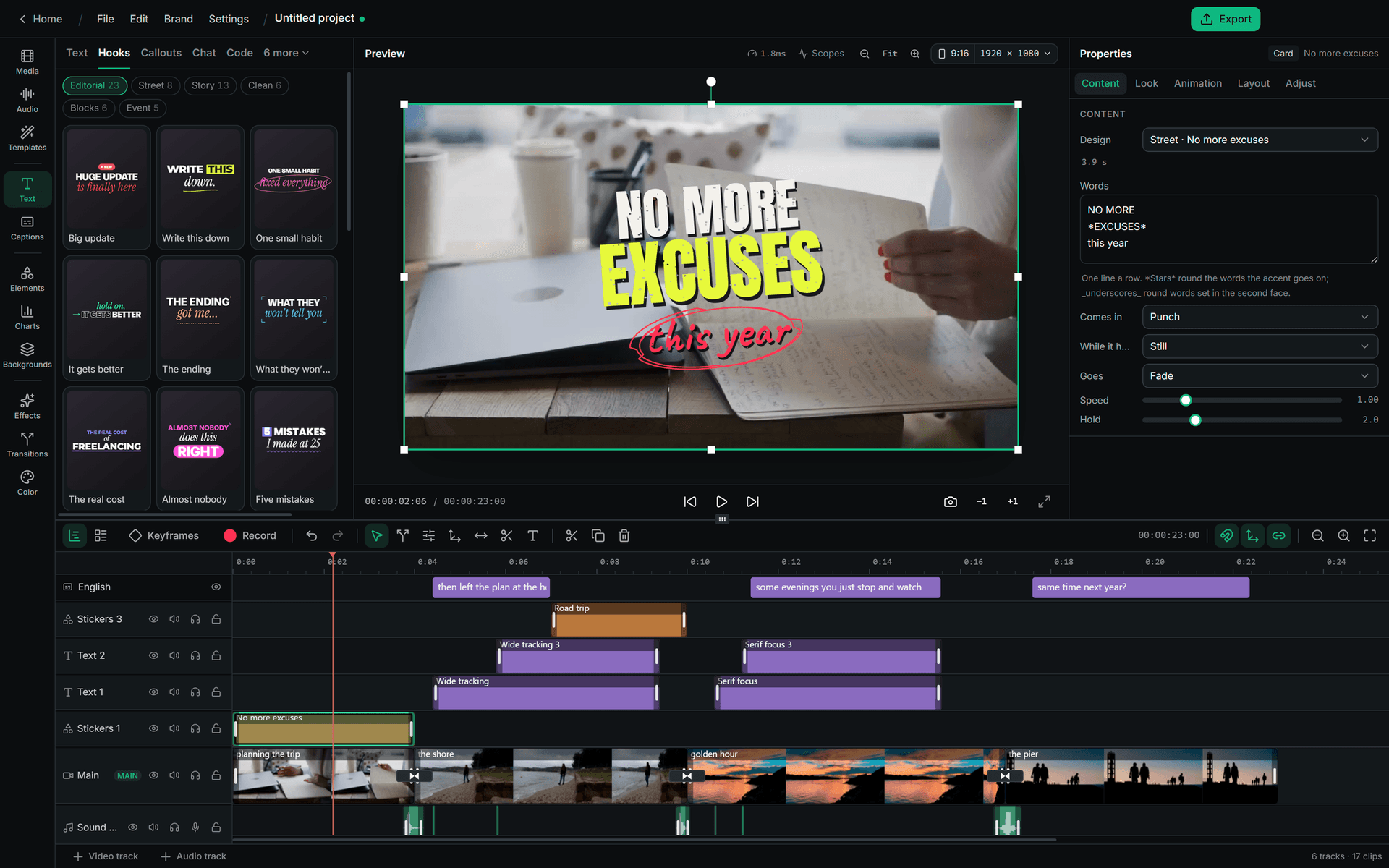
Video editor
A look for every kind of video.
Frames from videos RapidCreate made, in its twenty classic looks and its caption styles. Each one sets how the words look and move on screen.

Karaoke 
After Hours 
Highlight Box 
Neon 
Glow Caps 
Slow Morning 
Bold Pop
Post Studio
Carousels and single posts, written and designed.
Give it a topic. RapidCreate writes the post, lays it out in a template and brands every slide, for Instagram, LinkedIn and TikTok. Then change any word, picture or colour, and export.
- templates
- 42
- post types
- 25
- slide types
- 13
- colour schemes, plus yours
- 12
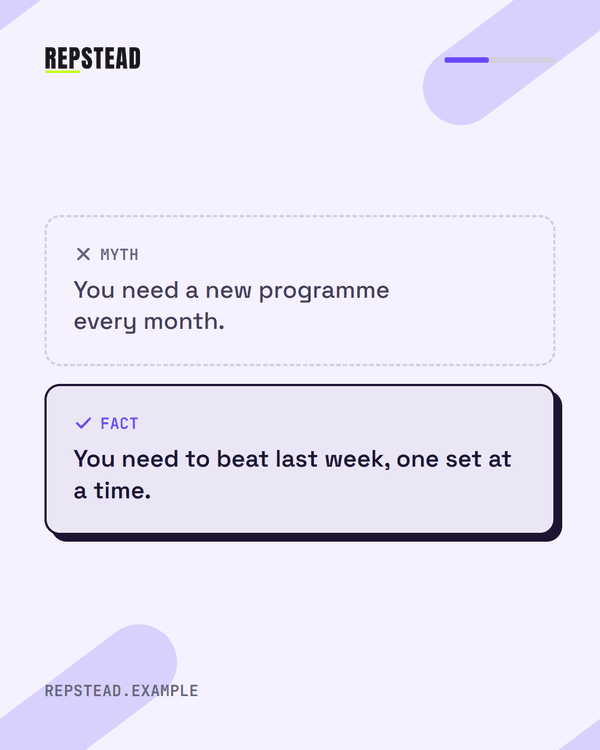
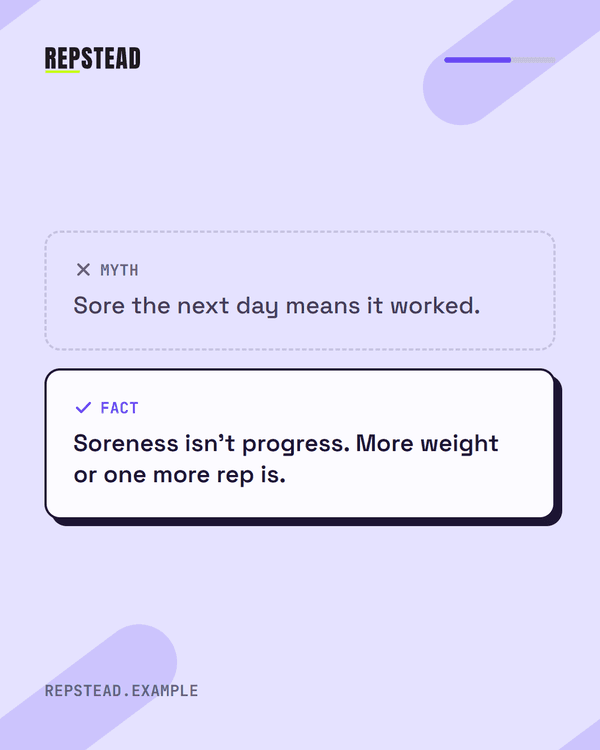
Lilac colours · 3 carousels, 16 slides
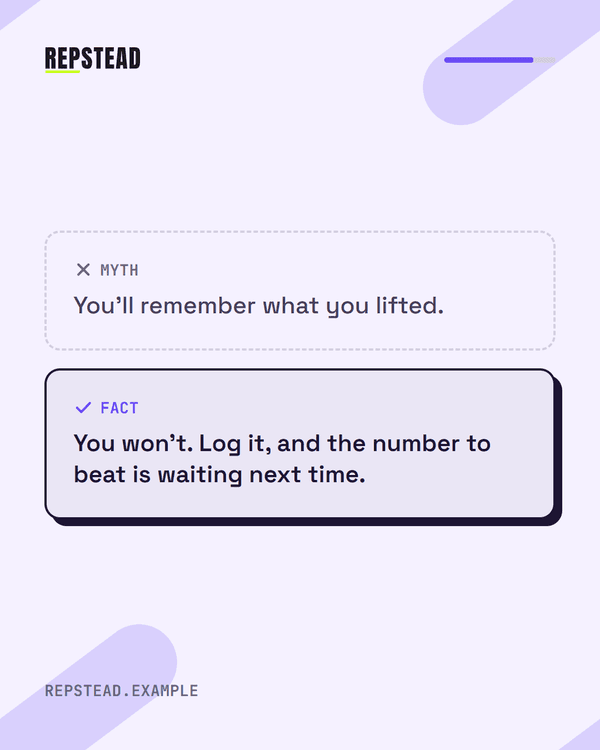
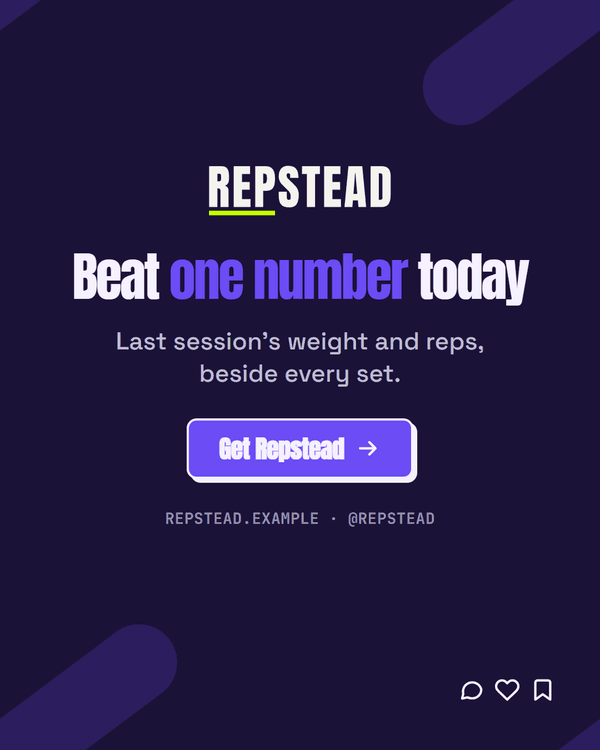
 Repstead
Bold · Myth vs fact
· 5 slides
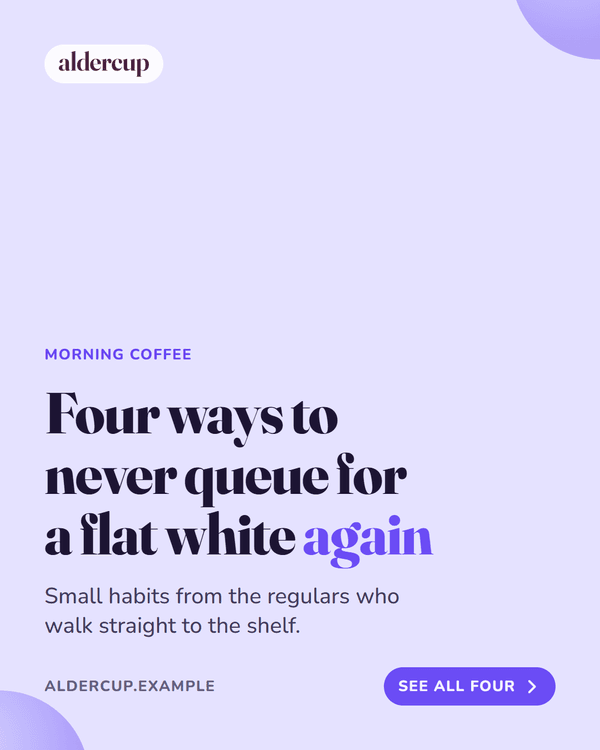
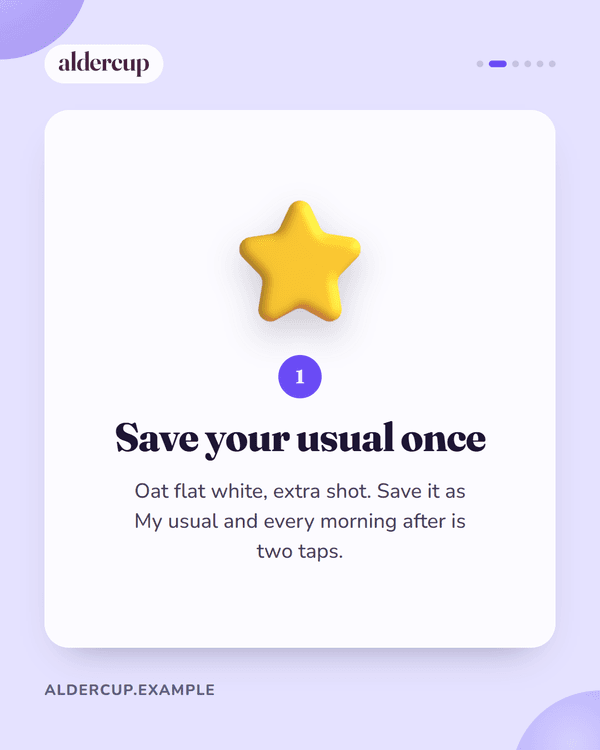
· Lilac Aldercup
Soft · Tips
· 6 slides
· Lilac- Aldercup
Photo notes · How-to
· 5 slides
· Lilac
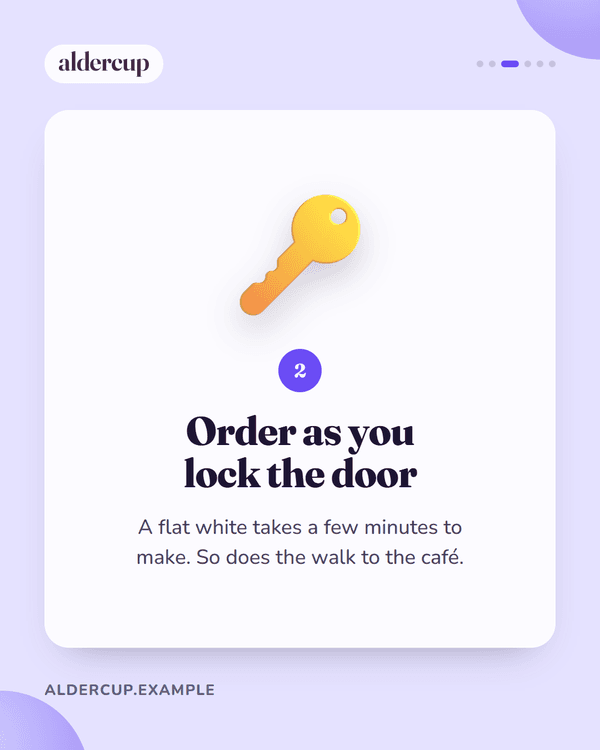

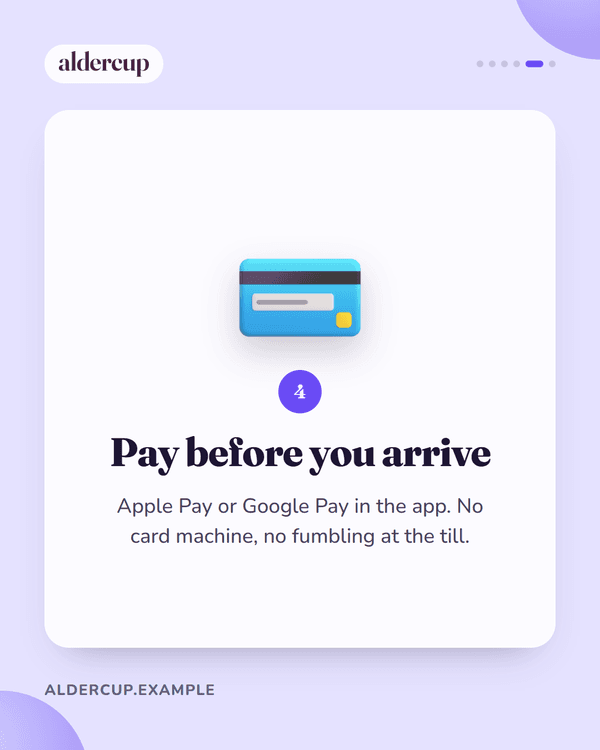

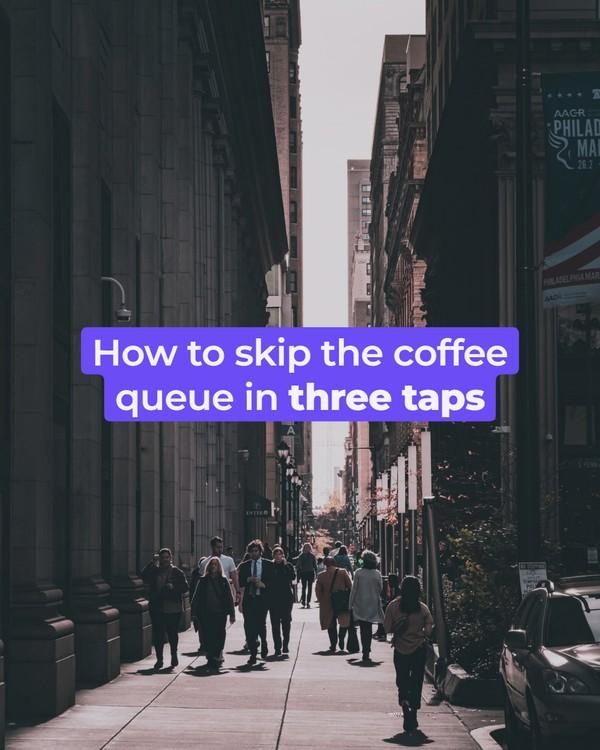
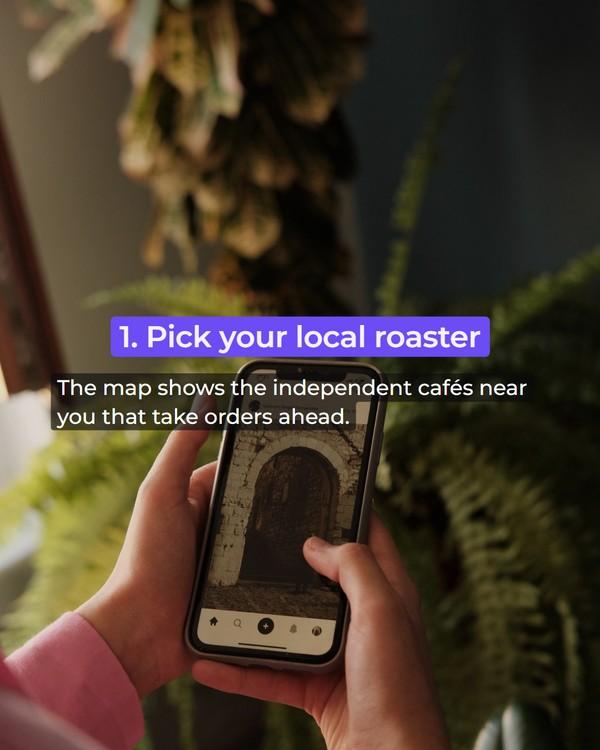

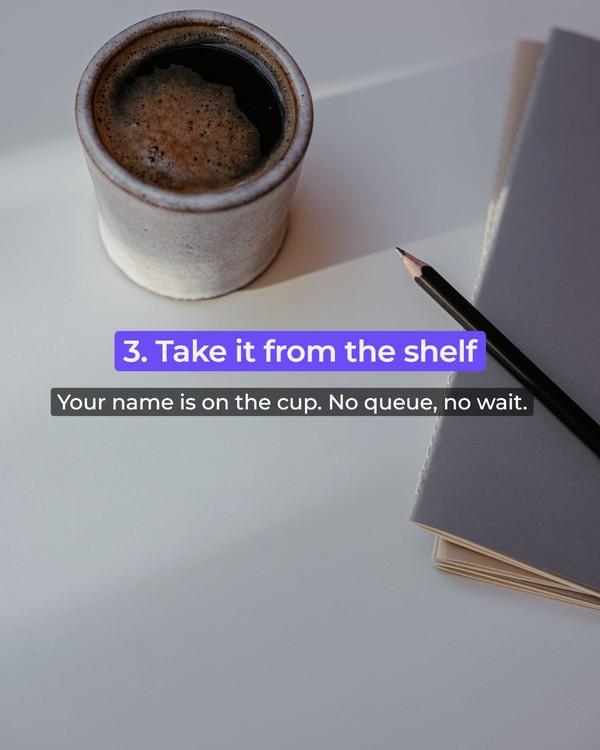
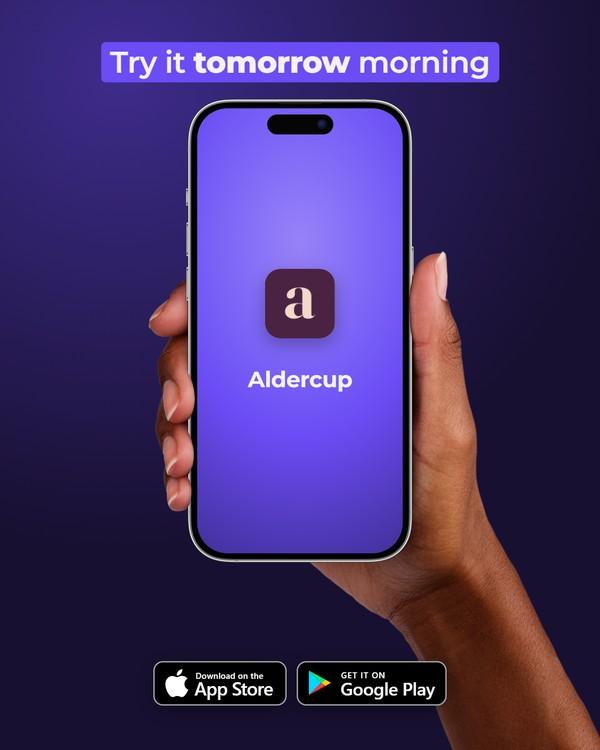
Other colours · 3 carousels, 15 slides
- Aldercup
Tweet · Tips
· 5 slides
· Charcoal  Hodwell
Photo labels · How-to
· 5 slides
· Hodwell’s colours- Repstead
Terminal · Tips
· 5 slides
· Repstead’s colours
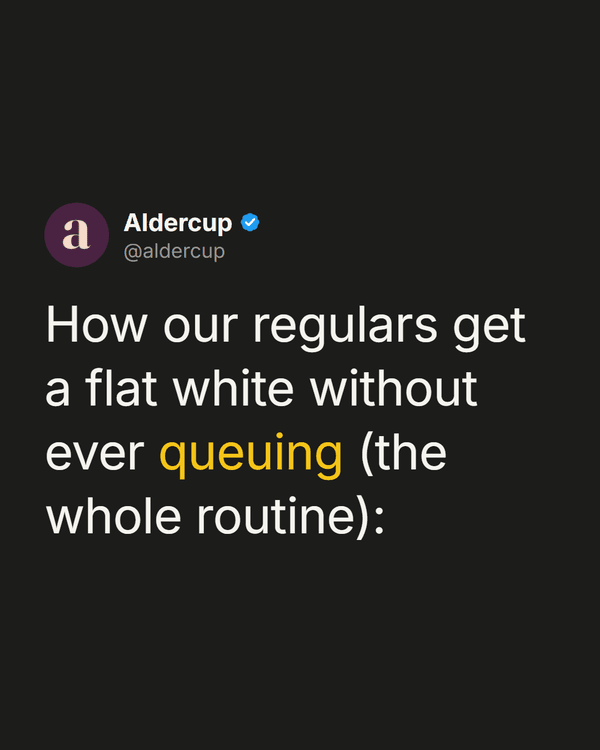
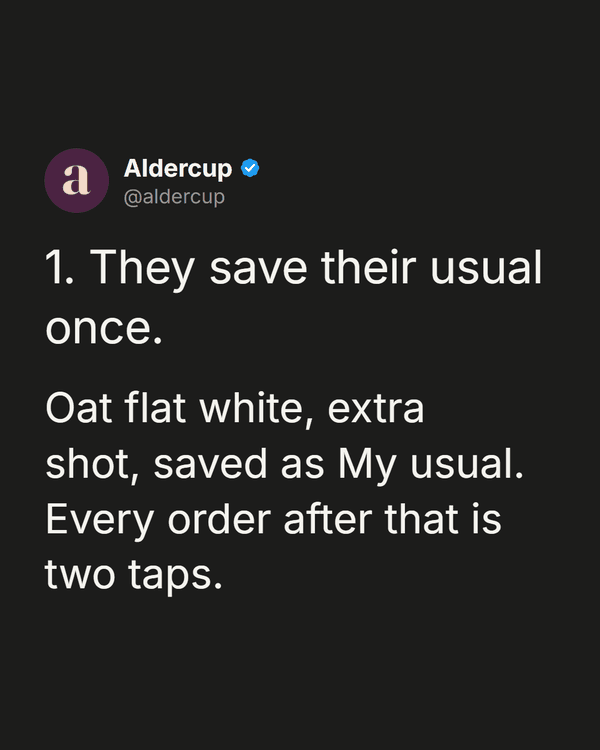
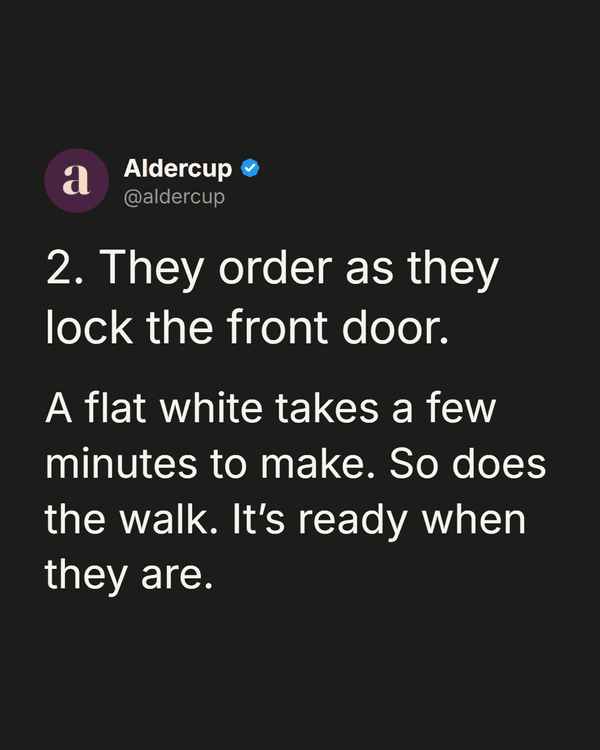
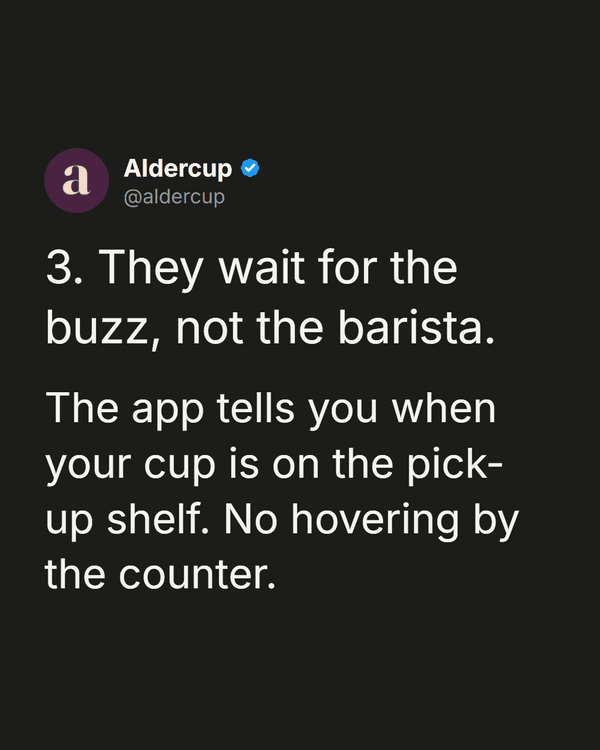
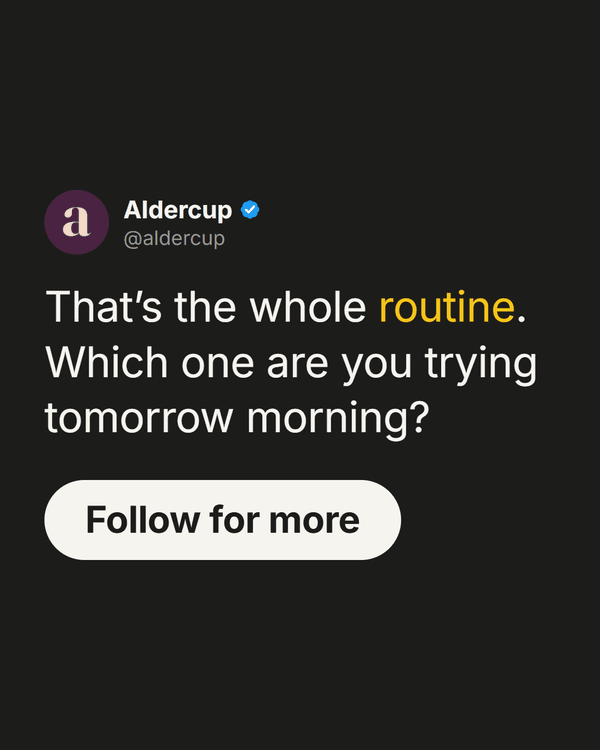

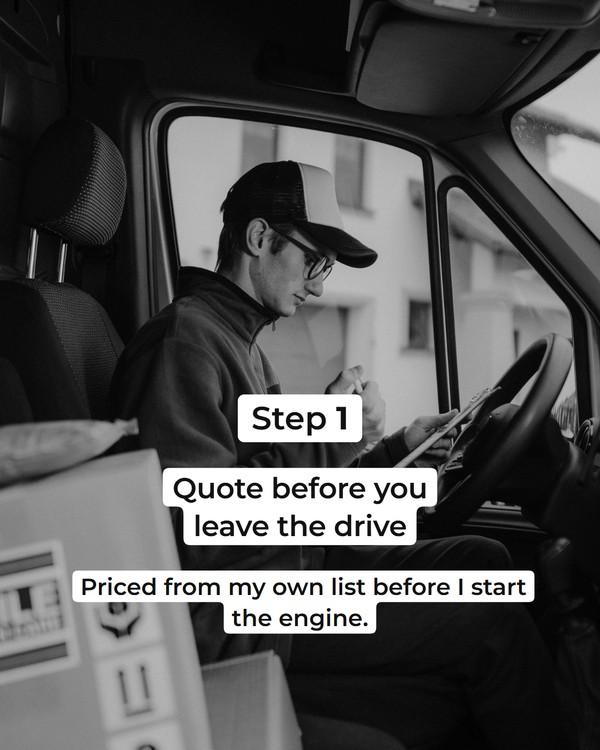
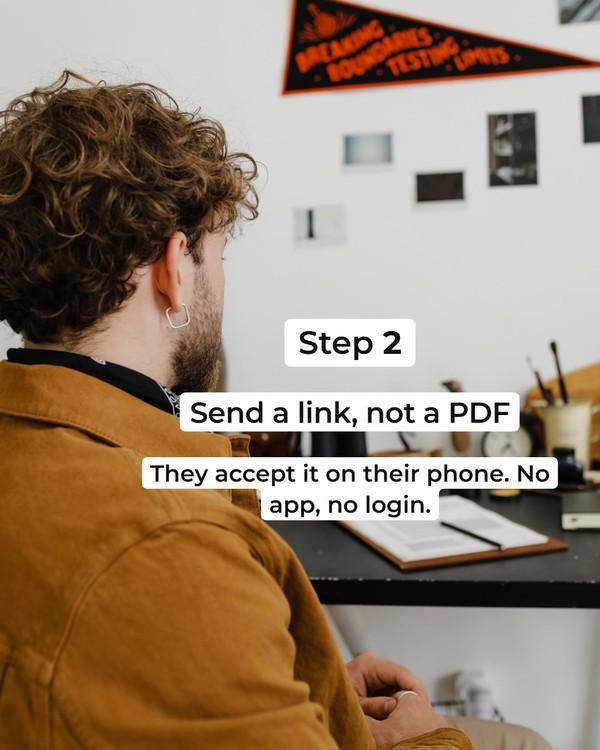
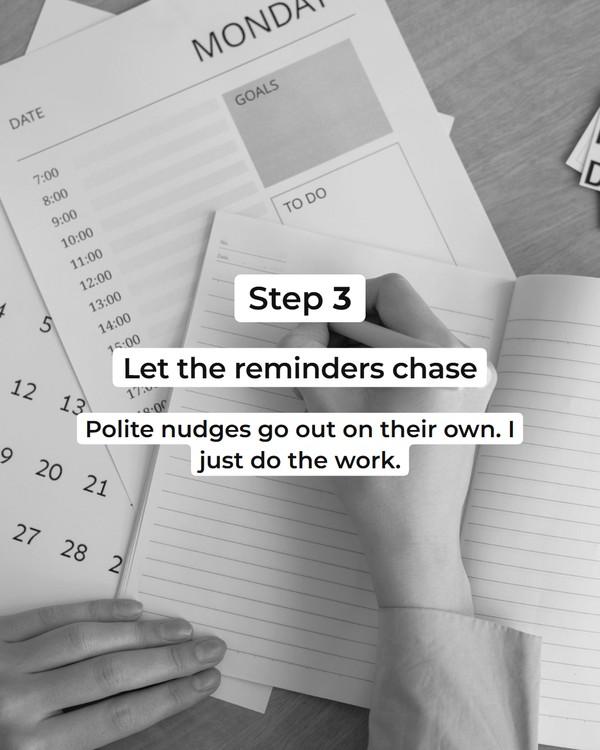
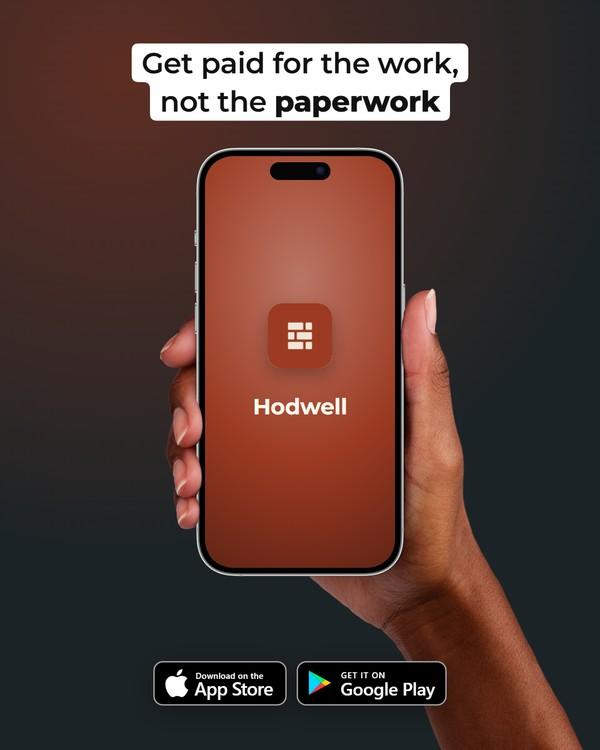
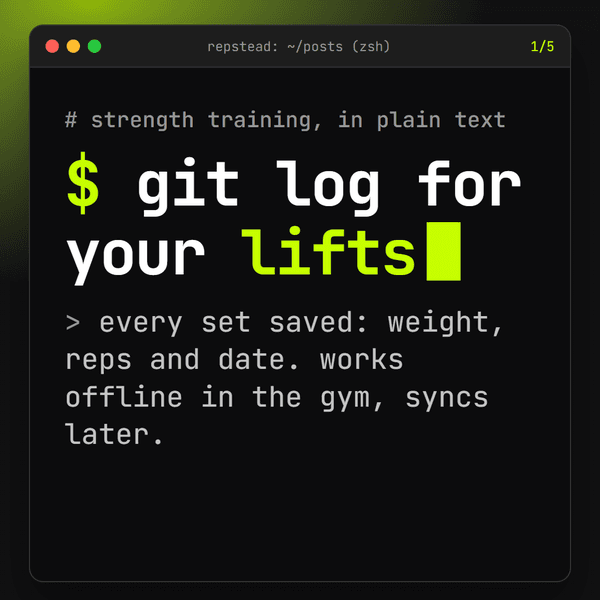
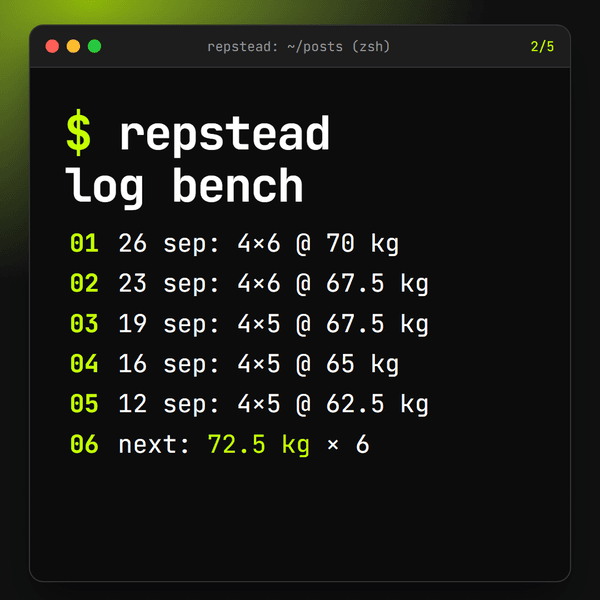
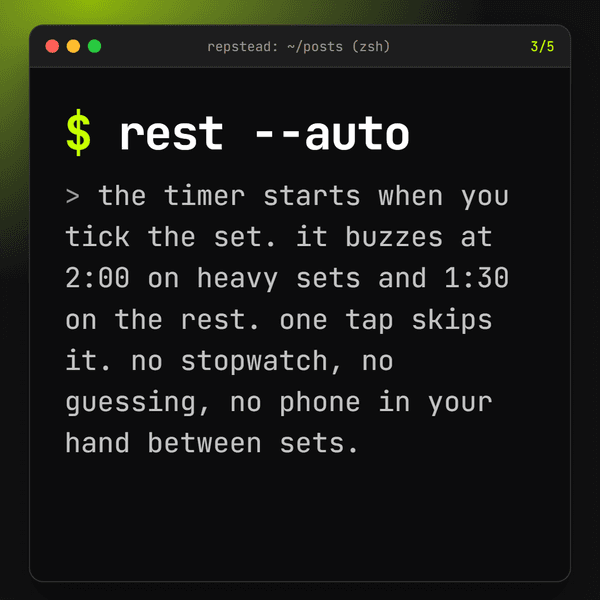
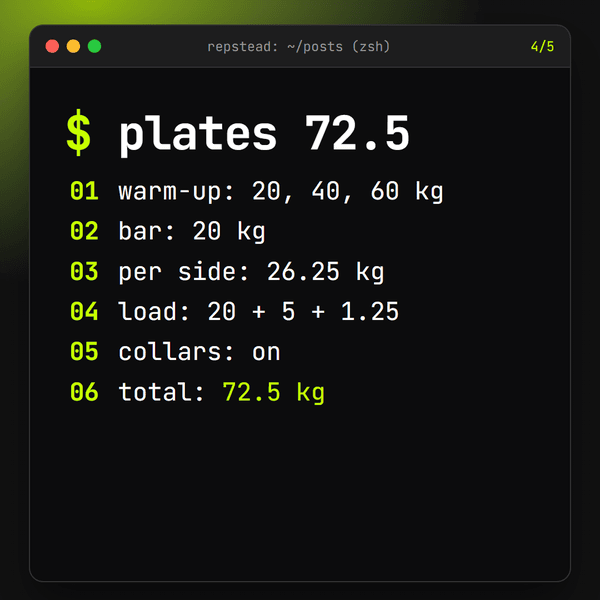
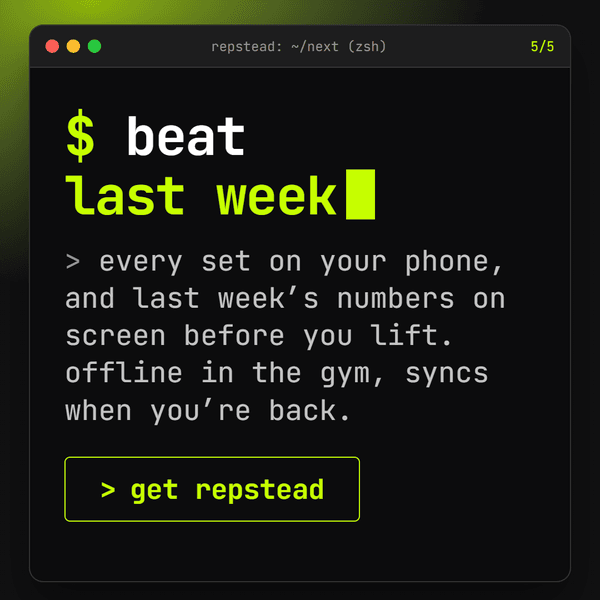
Carousels for made-up brands, in Lilac, Charcoal and the brands’ own colours. We wrote the words and chose the photos and 3D objects; RapidCreate laid out, branded and exported every slide. The shapes run on from one slide to the next, as they do when someone swipes.
A single post in any template.
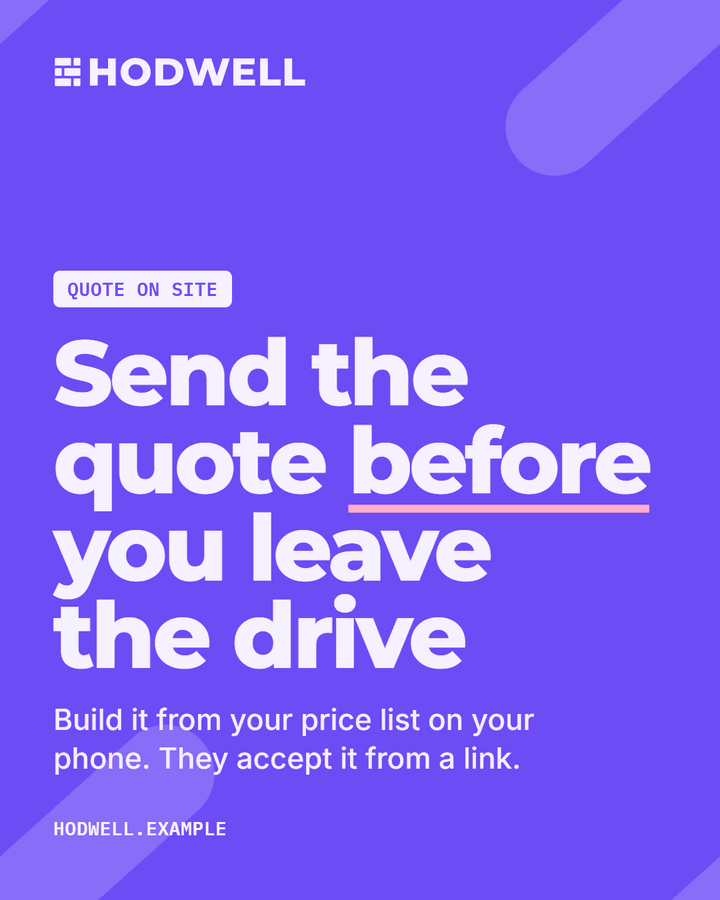
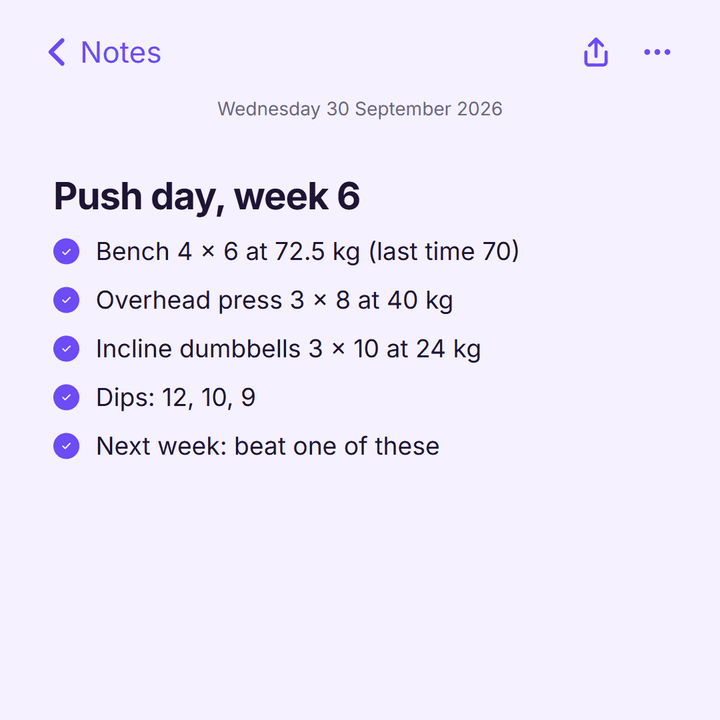
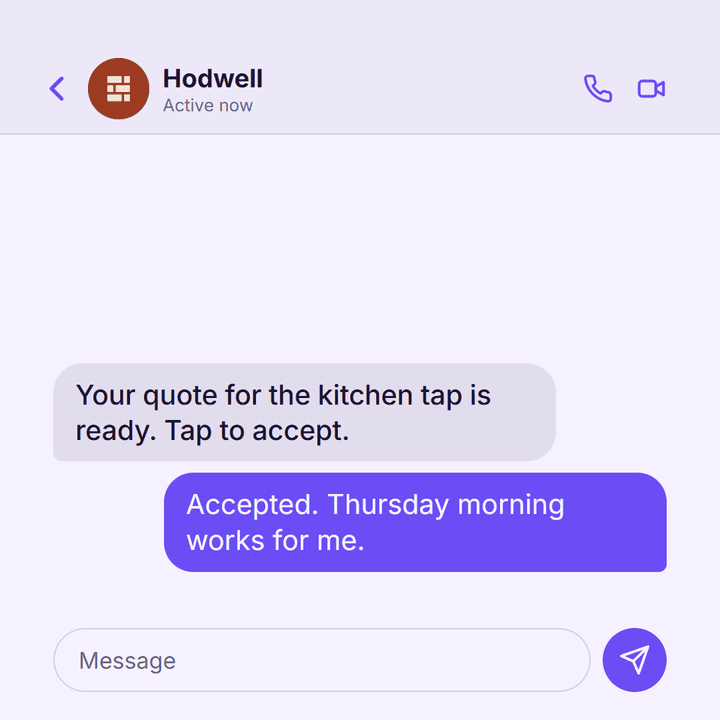
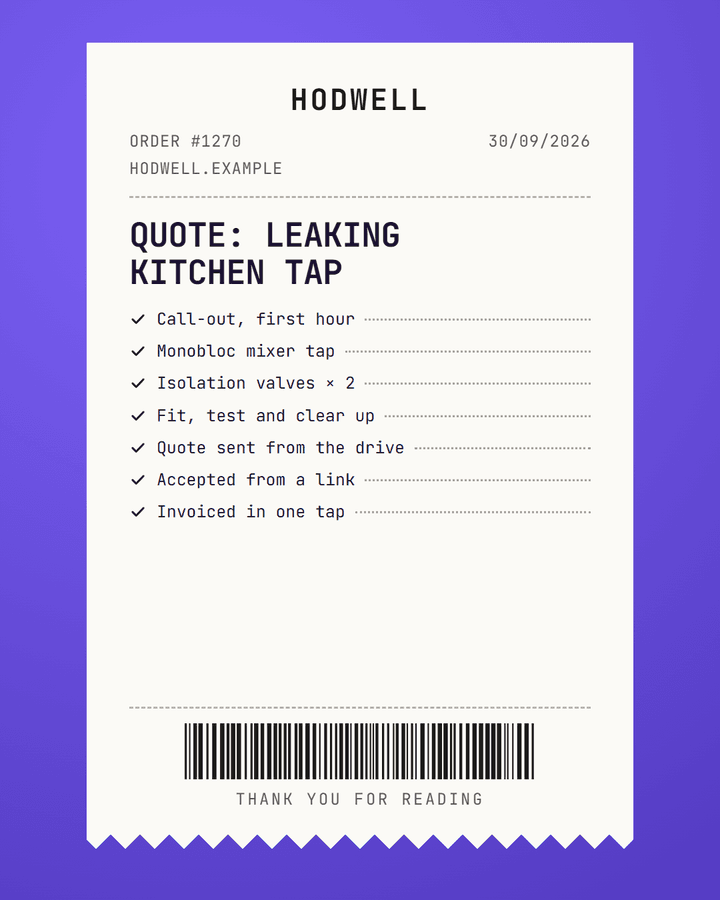
A bold statement, a receipt, a poster over your photo, a note or a chat: the same words, dressed a different way.
One post or a whole carousel
Pick a post type, such as tips, a how-to, myth vs fact or before and after, and the slides follow its shape: a hook, the points, a call to action. Up to 20 slides, in 4:5, 1:1 or 9:16.
Written, then fitted
Give it a topic and it writes every slide in your voice, then fits each line to its box. Or start blank and write it yourself.
Move anything
Every word, picture, logo and 3D object can be moved and resized on the slide, and the shapes behind them shuffled. Pictures come from your brand’s own photos first.
Bulk
One topic a line, and it writes a batch of posts in one go, each saved and exported just like one you made by hand.
Export it your way
A PNG per slide, a PDF, a ZIP of the slides, the caption to post with it, or a video of the carousel with music and a swipe sound.
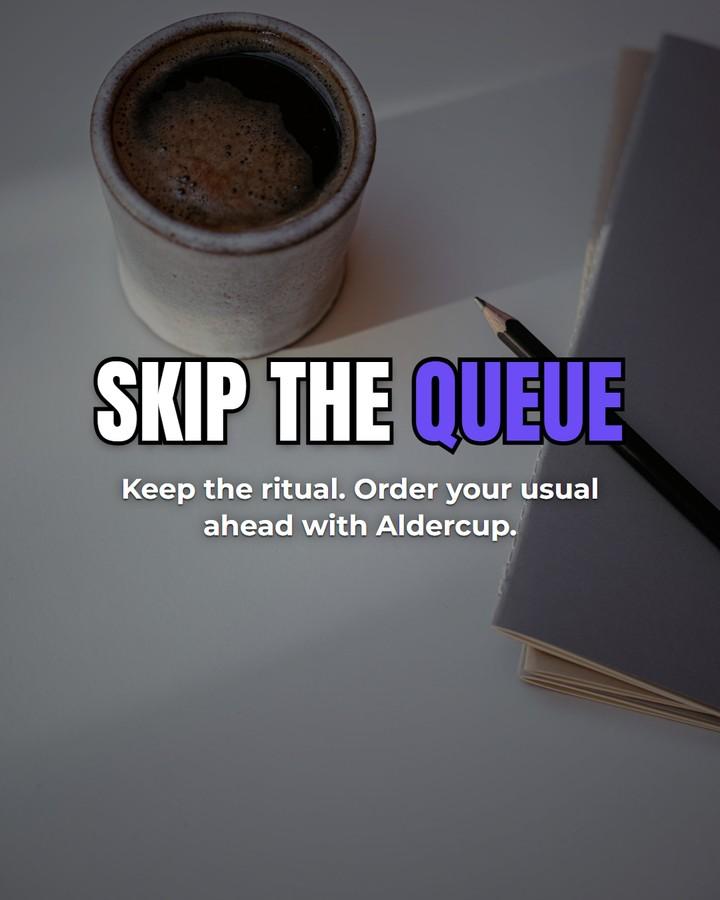
And thirty-two more templates
- Clean
- Editorial
- Glass
- Luxe
- Bento
- Newspaper
- Dark tech
- Retro OS
- Text post
- Polaroid
- Photo caption
- Photo news
- Store panels
- Window
- Laptop
- Desktop
- Perspective
- App listing
- What’s new
- Dashboard
- Notifications
- Story
- AI chat
- Search
- Plain page
- Photo highlight
- Film still
- Cover story
- Big type
- Quiet
- Cheat sheet
And thirty-two more templates
- Clean
- Editorial
- Glass
- Luxe
- Bento
- Newspaper
- Dark tech
- Retro OS
- Text post
- Polaroid
- Photo caption
- Photo news
- Store panels
- Window
- Laptop
- Desktop
- Perspective
- App listing
- What’s new
- Dashboard
- Notifications
- Story
- AI chat
- Search
- Plain page
- Photo highlight
- Film still
- Cover story
- Big type
- Quiet
- Cheat sheet
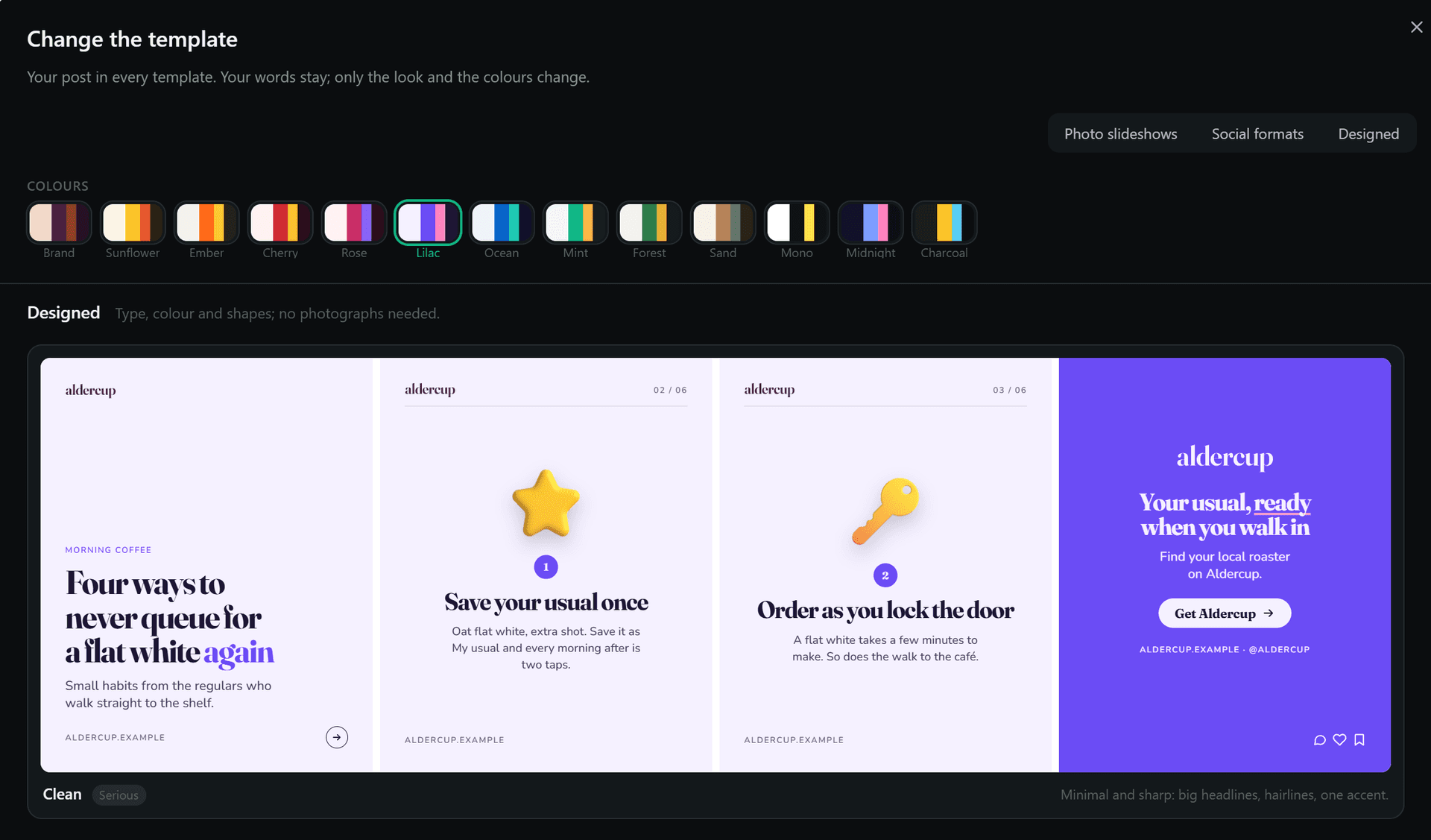
See your post in every template before you pick.
The gallery draws each template with your own words, in any colour scheme or your brand’s colours. Your words stay; only the look changes.
Brand
The whole app knows your brand.
Set up your brand once, or build it from your website, App Store or Google Play link. From then on every video, post and end screen starts from it: your logo, colours, fonts, pictures and voice.
Three brands, one template

Aldercup
A coffee app for ordering ahead
- Fonts
- Fraunces · Nunito
- Colours
- Paper #F3D9C9
- Ink #2B1426
- Accent #4B2342
- Highlight #943822

Repstead
A workout log
- Fonts
- Anton · Space Grotesk
- Colours
- Paper #1C1C1E
- Ink #F4F4EF
- Accent #C6FF00

Hodwell
A quoting app for trades
- Fonts
- Montserrat · Inter
- Colours
- Paper #EFE6D8
- Ink #22201D
- Accent #9C3A22
- Highlight #F5C04F

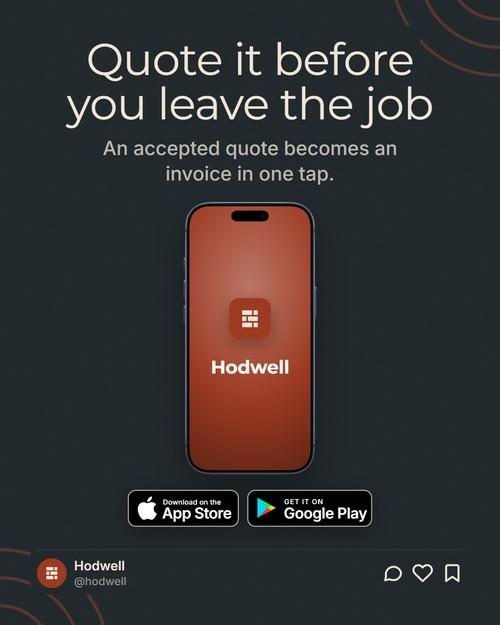
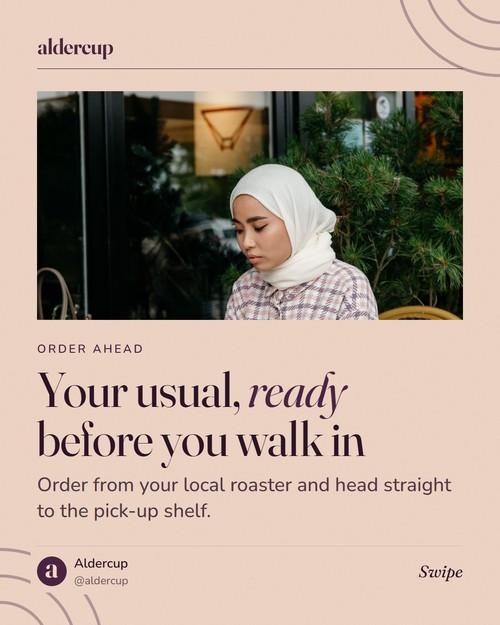
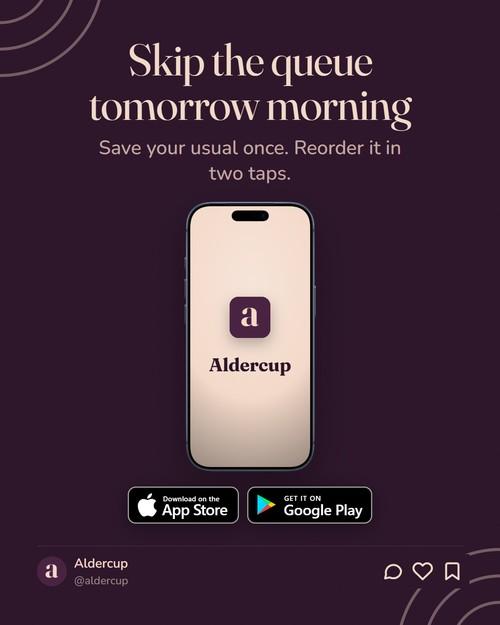
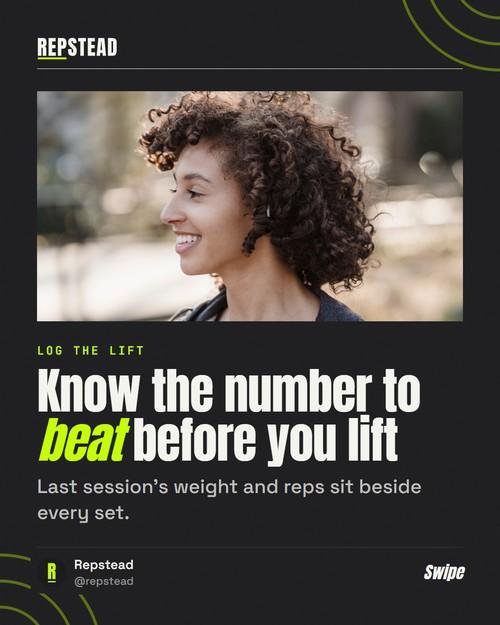
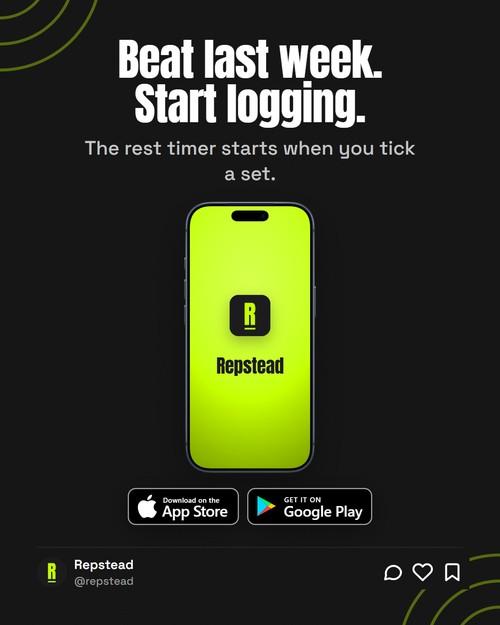
The same Editorial template, made for three made-up brands. Each post took its brand’s logo, icon, colours, fonts, handle and store badges on its own; the photo is one from each brand’s own pool. We wrote the words and picked the photos.
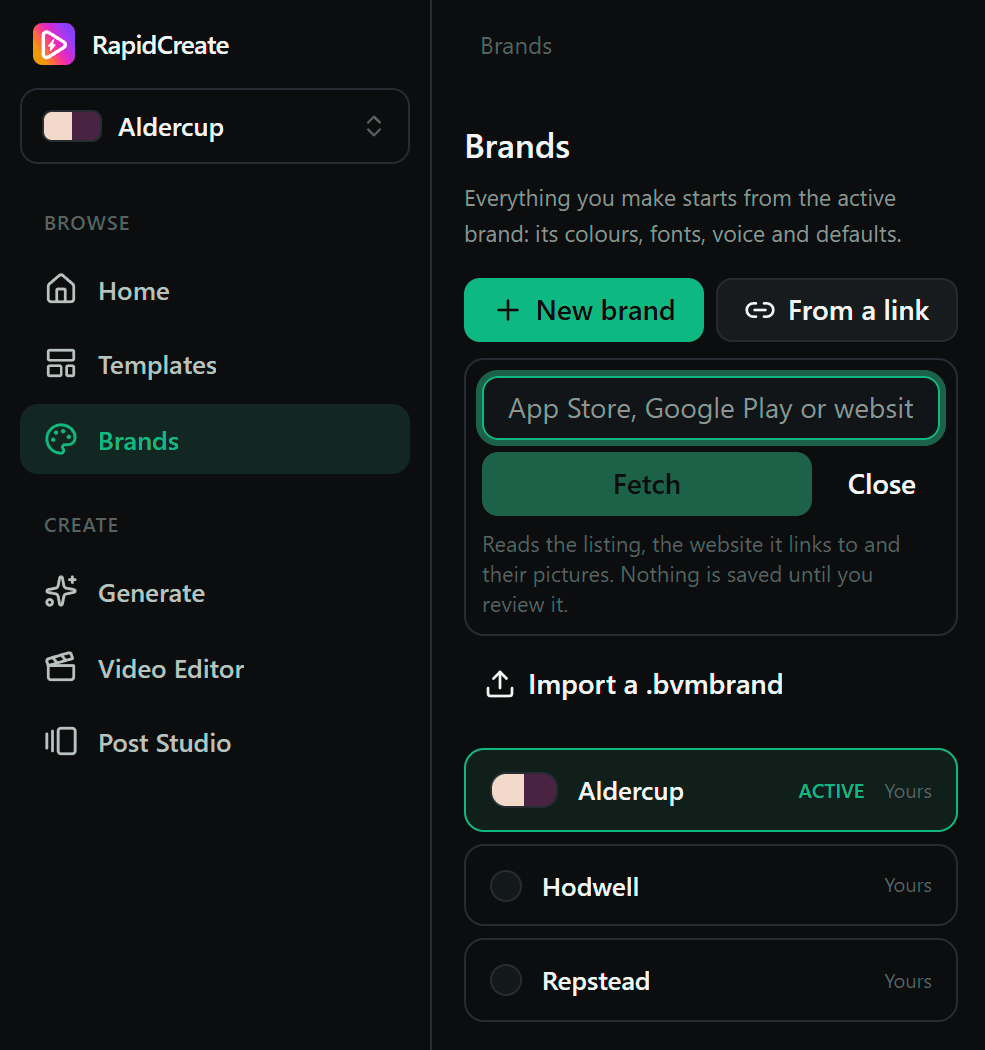
Start from a link.
Give the Brand Hub your website, App Store or Google Play link. It reads the listing and the site it links to, then drafts your name and links, a palette, font suggestions and the store screenshots, and your brief and tone of voice if you ask. Nothing is saved until you’ve checked it.
Keep as many brands as you like. Everything you make starts from the one that’s active.
What it uses, and where.
Logo and app icon
On slide headers and footers, the phone at the end of a carousel, a tweet’s avatar, a chat’s header and your video end screens, with a version for dark grounds. Your mark or logo can also sit in a corner of your videos as a watermark.
Used in: Posts,Videos,End screens
Colours, in their roles
Paper, ink, accent, highlight and muted, each checked for contrast. Posts wear them unless you pick a colour scheme; videos pick them up too.
Used in: Posts,Videos
Fonts, in their roles
Display, body, label and caption faces, used by the designed templates, your videos and their captions.
Used in: Posts,Videos,Captions
Your pictures first
Your own photos and clips come first, then your library, then stock, which you can switch off. Terms you ban are left out of every search RapidCreate makes for you.
Used in: Posts,Videos
Voice, facts and products
Who it’s for, what you promise, how you sound and what you never say, plus dated facts both writers may state. The post writer also knows your products, so a script or post sticks to what you’ve told it.
Used in: Writing
Links and calls to action
Your website, handle, and App Store and Google Play links become footers, store badges and end screens. Your approved calls to action close your videos.
Used in: Posts,End screens
And more. The words to use and avoid, put right in captions too; video defaults, from the end screen, watermark and colour grade to the music, language, length and caption look; hashtags and caption rules for each platform; a memory of the videos you starred or rejected; and locks that keep fonts and colours to the brand.
Credits
Only new videos and posts use credits.
Edits and re-renders
are free, forever.
One credit, one new video or post
Each video Generate writes is one credit. A single post or a whole carousel is one credit.
Failures are refunded
If a video or post can’t be written, its credit comes back automatically. If something goes wrong after that, re-rendering is free.
Everything else is free
Edits, re-renders, restyles and exports are free, forever, because they happen on your computer.
Pricing
Every plan has every tool.
Plans differ only in credits and brands each month.
Creator
For one or two brands, posting most days.
$39 per month
- Credits
- 100a month
- Up to 100 new videos or posts
- Brands
- 2a month
- Videos and posts for up to 2 brands
Included
- Up to five videos from one hook
- Fifty video styles, captions and endings
- Posts and carousels, singly or in bulk
- Brand Hub: a brand from a link
- Caption Studio and the full editor
- Stock footage, photos and music
- Unlimited edits, re-renders and exports
- Credits back if a video or post fails
Pro
For a few brands and daily video.
$79 per month
- Credits
- 250a month
- Up to 250 new videos or posts
- Brands
- 5a month
- Videos and posts for up to 5 brands
Included
- Up to five videos from one hook
- Fifty video styles, captions and endings
- Posts and carousels, singly or in bulk
- Brand Hub: a brand from a link
- Caption Studio and the full editor
- Stock footage, photos and music
- Unlimited edits, re-renders and exports
- Credits back if a video or post fails
Studio
For agencies and many brands.
$179 per month
- Credits
- 600a month
- Up to 600 new videos or posts
- Brands
- Unlimited
- Videos and posts for every brand you run
Included
- Up to five videos from one hook
- Fifty video styles, captions and endings
- Posts and carousels, singly or in bulk
- Brand Hub: a brand from a link
- Caption Studio and the full editor
- Stock footage, photos and music
- Unlimited edits, re-renders and exports
- Credits back if a video or post fails
Keep as many brands as you like in the Brand Hub. A brand counts towards your plan in a month you make a new video or post for it.
Your first five videos and your first post are free.
Cancel any time. Prices in US dollars. VAT or sales tax is added at checkout where it applies.
FAQ
Questions, answered.
Something else? Get in touch.
Can it make carousels and single posts?
Yes. The Post Studio makes single posts and carousels of up to 20 slides, in 4:5, 1:1 or 9:16, from 42 templates in 12 colour schemes or your brand’s own colours. Give it a topic and it writes the whole post, or write it yourself. Bulk writes many posts at once, one topic a line. Export PNG slides, a PDF, a ZIP, the caption, or a video of the carousel with music.
Can it make faceless videos for TikTok, Reels and Shorts?
Yes. Type a hook and Generate writes the script, picks footage (your own clips first, then stock), adds captions, music and a designed end screen, and gives you up to five finished vertical videos. No camera or presenter needed, and you can edit any of them in the full timeline editor.
How do I make a carousel for Instagram, LinkedIn or TikTok?
In the Post Studio, pick a post type (tips, a how-to, myth vs fact and more), a template and a topic, and it writes and designs every slide in your brand. Use 4:5 or 1:1 slides for Instagram, a PDF for a LinkedIn document post, and 9:16 slides for TikTok photo mode, or turn the carousel into a video with music. Up to 20 slides.
Can it build a brand kit from my website or App Store link?
Yes. Paste a website, App Store or Google Play link into the Brand Hub and it reads the listing and the site it links to, then drafts your name and links, a palette, font suggestions, the store screenshots, and your brief and tone of voice if you ask. Nothing is saved until you’ve checked it.
Does it add captions automatically?
Yes. RapidCreate transcribes the speech on your computer and adds animated, word-by-word captions in a template you choose, with emphasis and emoji if you want them. You can caption your own videos too, and export SRT or VTT files beside the video.
What brand details does it use?
Your name, logo and app icon; your colours and fonts in their roles; your own photos and clips, before your library and stock; your voice, facts, products and the words to use or avoid; your website, handle and store links; and for videos, your calls to action, end screen, a watermark (your mark or logo), colour grade and music. You can lock fonts and colours to the brand. Paste a website, App Store or Google Play link and RapidCreate drafts much of it for you.
What is a credit?
One credit makes one new video or one new post. Each video Generate writes is one credit. A single post or a whole carousel is one credit, and so is each post in a Bulk run.
What doesn’t cost a credit?
Everything that isn’t a new video or a new post. Edits, re-renders, restyles, changing the style, new footage or music, and exports are free, forever, because they happen on your computer. Suggesting hooks, building a brand from a link and captioning are free too, within fair-use limits.
What if a video fails?
If a video or post can’t be written, its credit comes back automatically, without you asking. Credits are held when you press Generate and only spent on the videos and posts that are actually written. If something goes wrong after that, re-rendering is free.
What happens when I run out of credits?
You can’t make new videos or posts until your plan renews or you change plan. What you’ve already made is saved on your computer.
Does it work on a Mac?
Yes. RapidCreate runs on Macs with Apple silicon or Intel (macOS 12 or later), and on Windows 10 and 11. Both are on the download page.
Do I need my own AI key?
No. The AI is included in your plan. You don’t need an account with any AI provider, and there’s no key to paste in.
Where are the videos made?
On your computer. RapidCreate writes the script in the cloud, then cuts, captions and renders the video on your own machine. That’s why re-rendering, restyling and exporting never cost anything.
Where does the stock footage and music come from?
From Pexels and Pixabay for footage and photos, and Openverse for music, each used under its own licence. You can also bring your own footage, photos, music and sound effects. Our attributions page lists every source and its licence.
Do the prices include VAT or sales tax?
No. Prices are in US dollars, and VAT or sales tax is added at checkout where it applies, depending on where you are. Our payment provider, Stripe, is the seller of record: it charges the tax and pays it to the tax authorities.
Can I cancel any time?
Yes. Cancel from your account page whenever you like. Your plan runs to the end of the period you’ve paid for, and the videos and posts you’ve exported are yours.
Can I try it before I pay?
Yes. Your first five videos are free: paste your product’s link into the app and it makes them, once for each person and computer. Your first post in the Post Studio is free as well. Without a plan, videos export with a small RapidCreate mark and you keep one brand of your own. After that you choose a plan and can cancel any time. If you’re a consumer in the UK, you can also cancel within 14 days of subscribing, less what you’ve already used; our Refunds policy explains how.
Can I earn credits by inviting people?
Yes, once you have a plan. Your account page has an invite link. A friend who signs up with it gets 10 extra credits with their first month, and when they have been on a plan for 14 days you get 25 credits. Invite credits last 6 months and are spent after your plan’s.
Your next videos and posts start with one line.
Your first five videos and your first post are free. Cancel any time. Edits, re-renders and exports stay free.
Also for MacAlso for Windows